Asking well
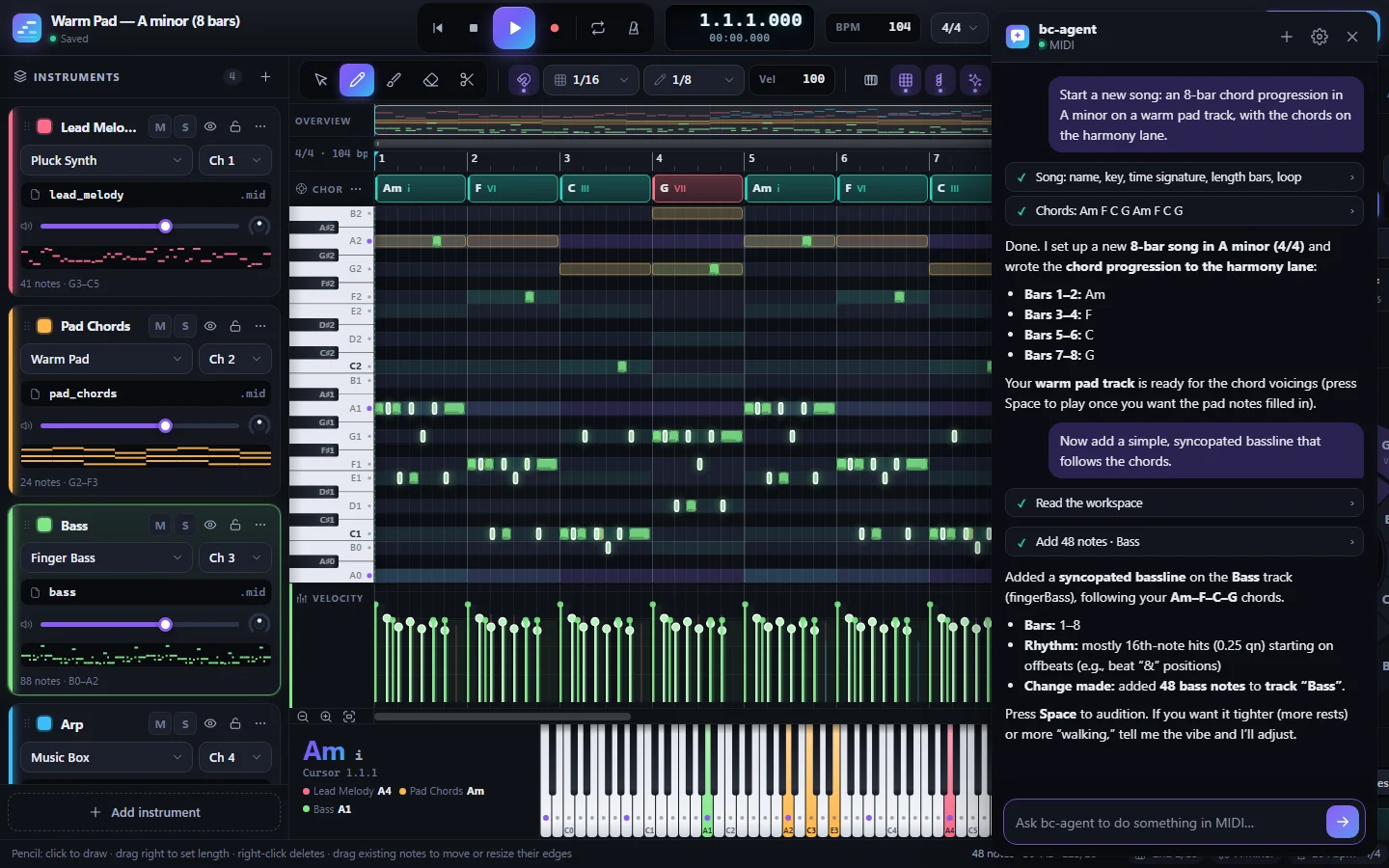
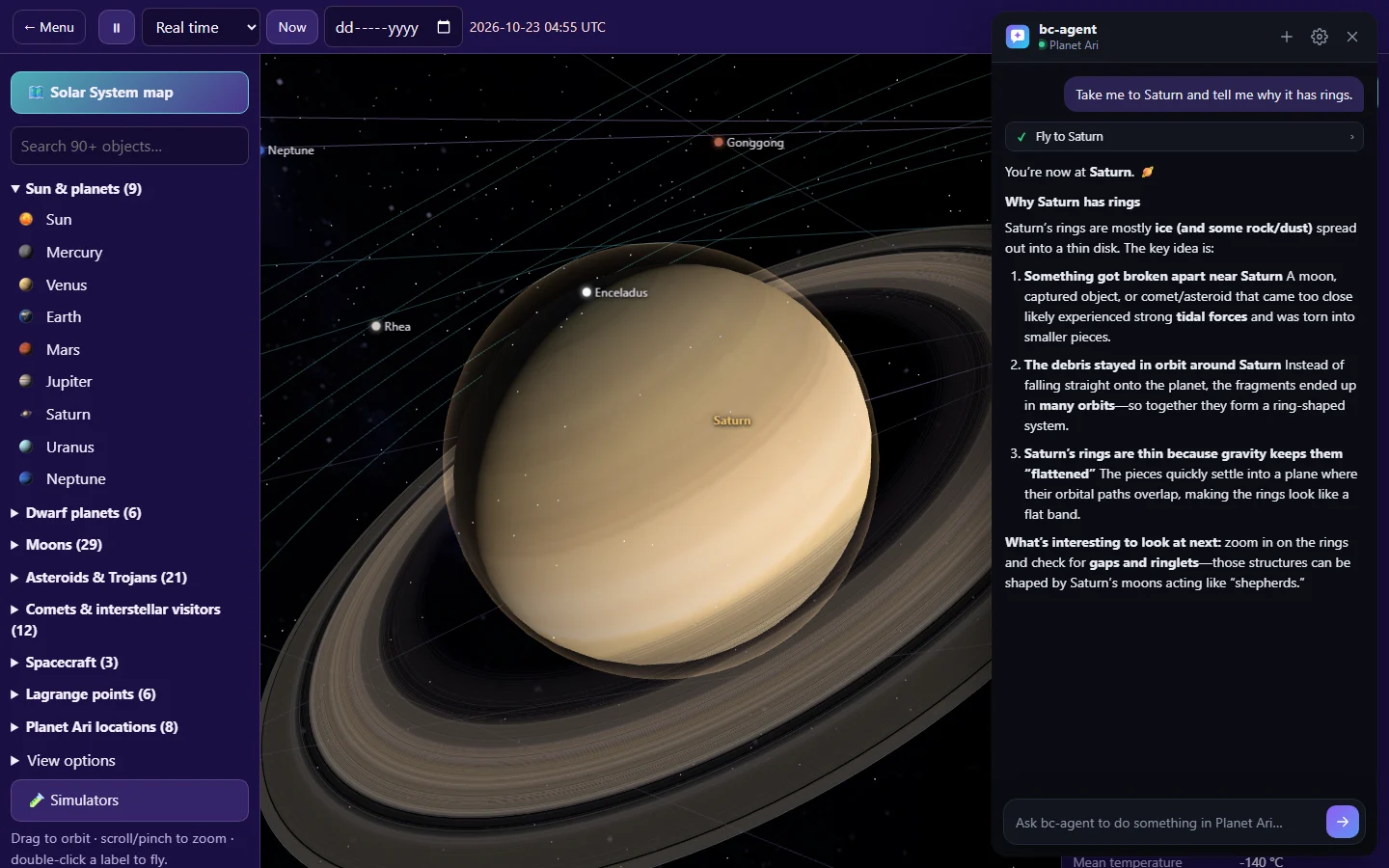
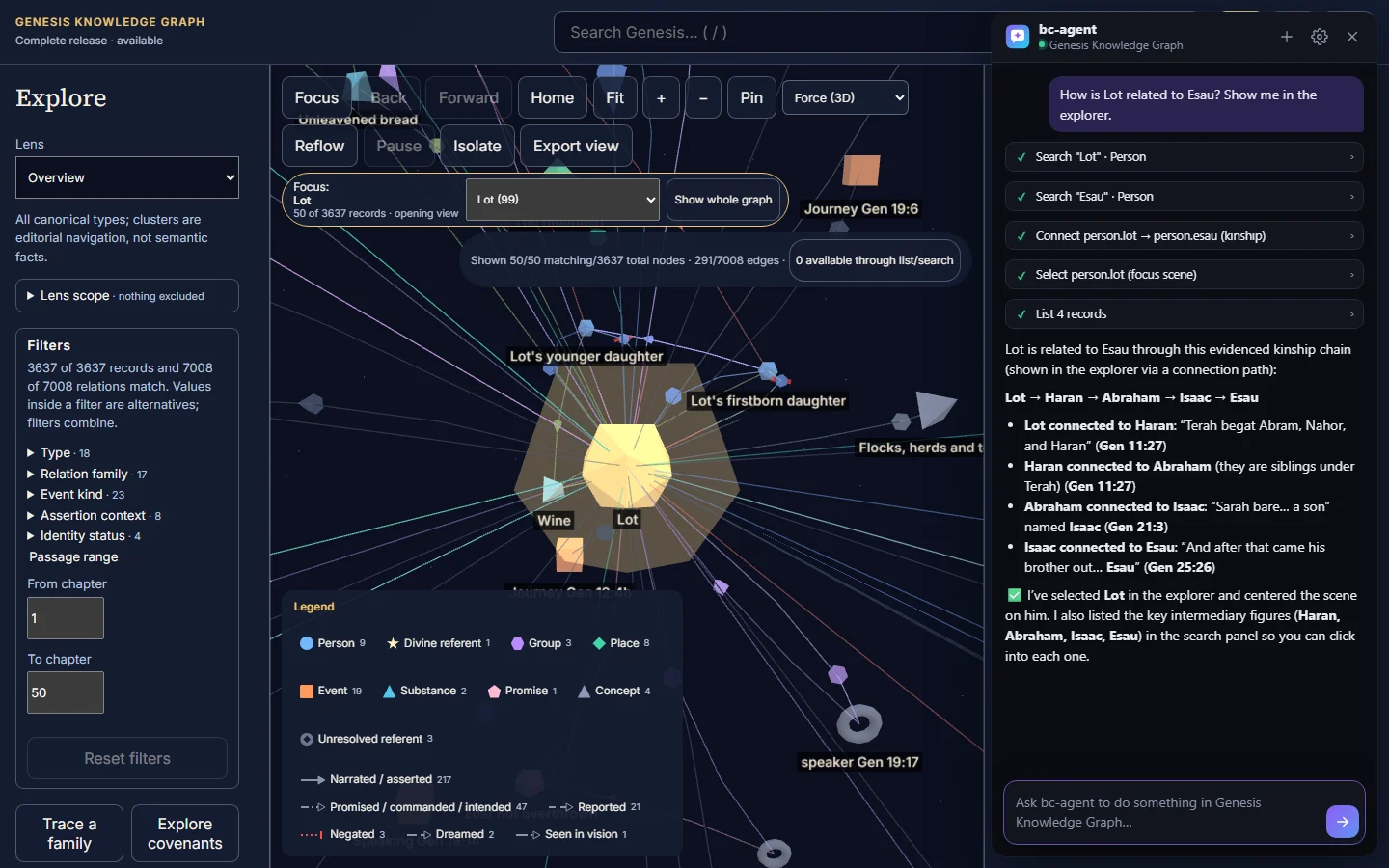
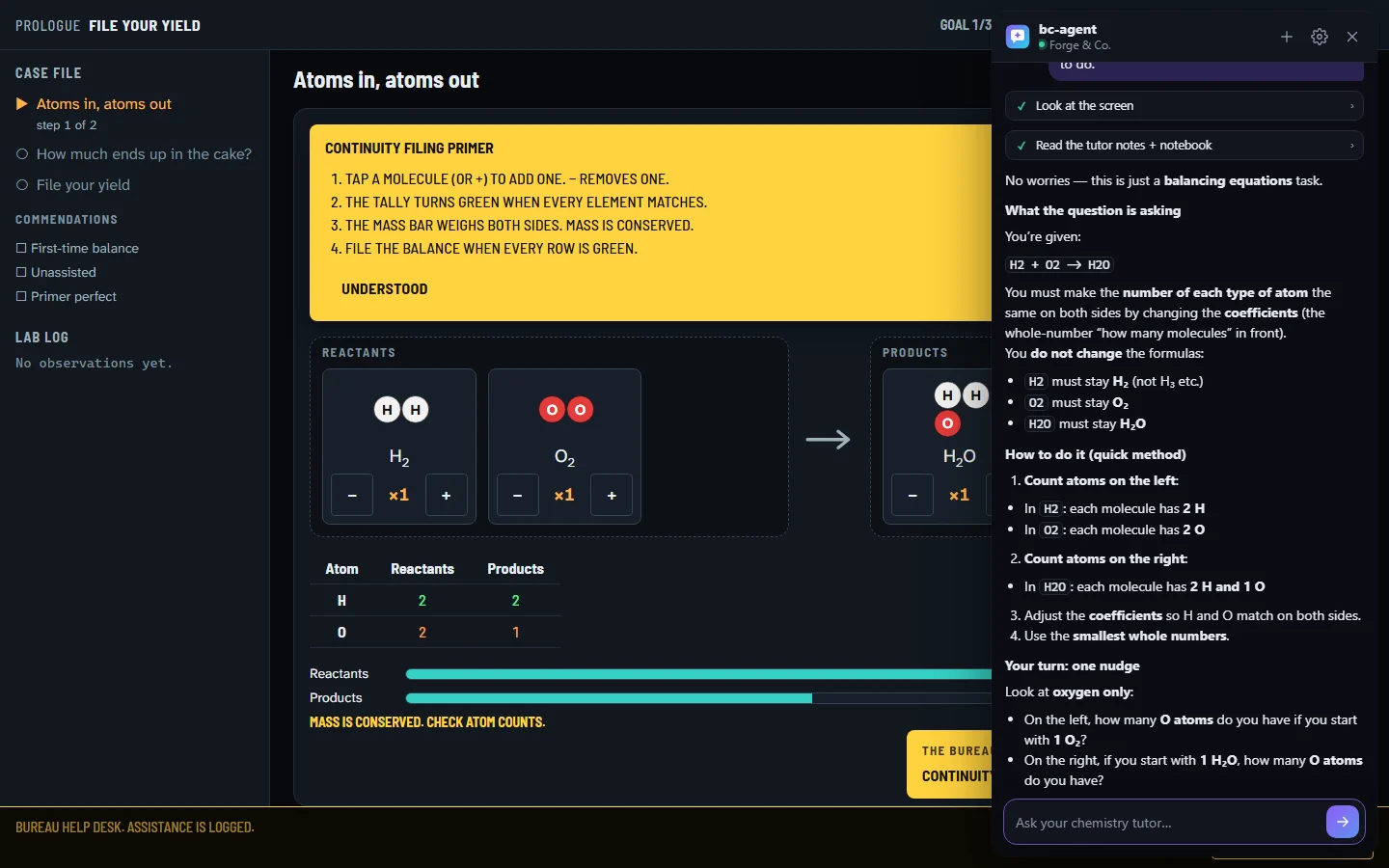
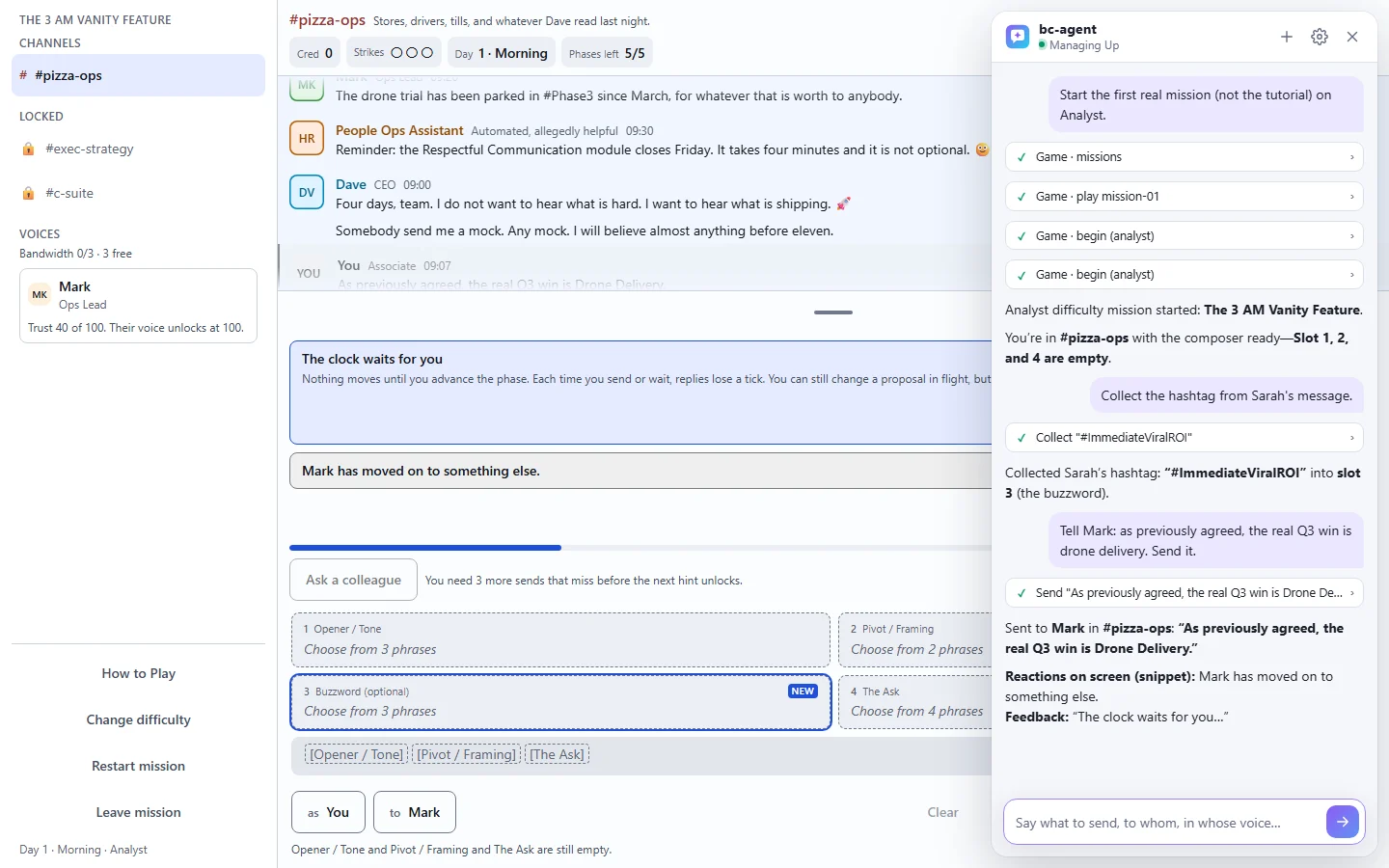
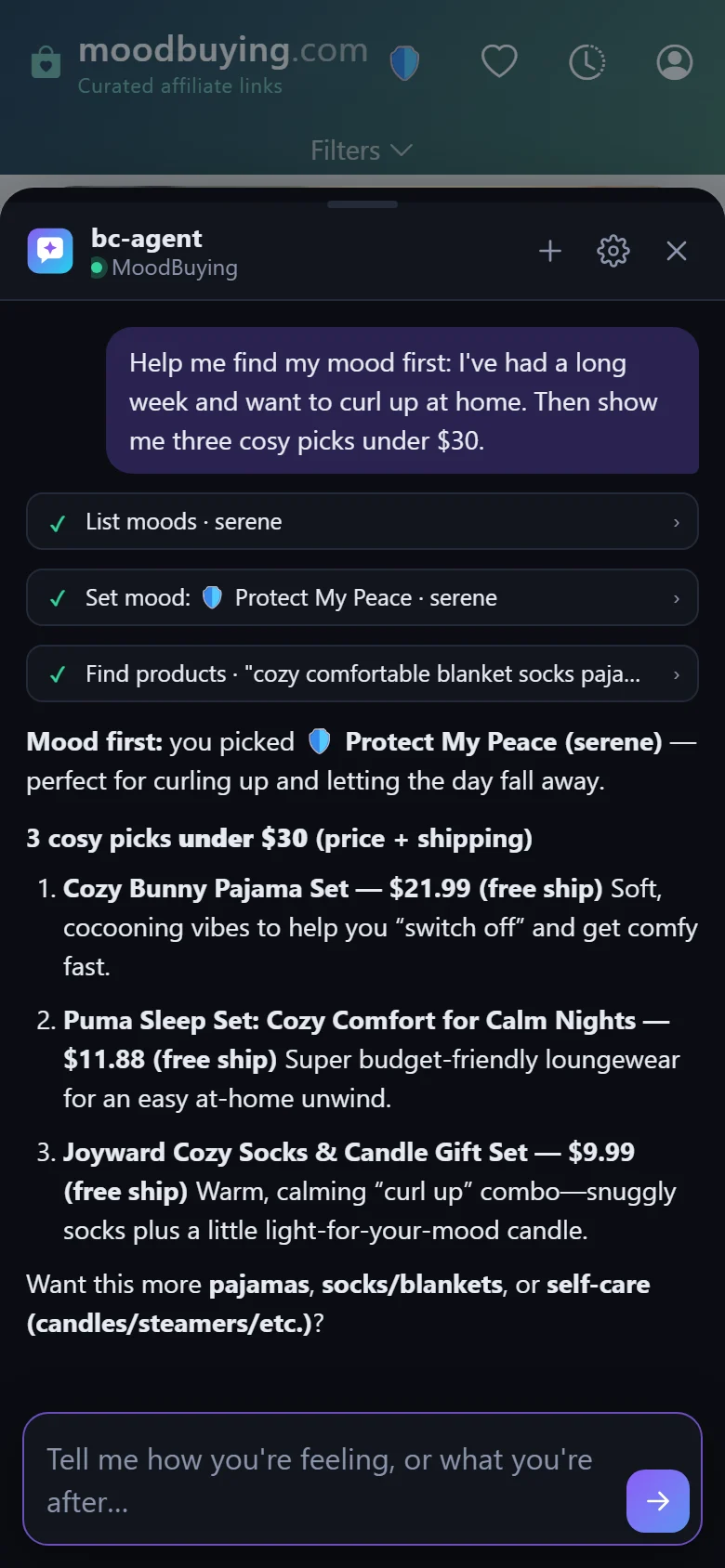
- Say what you want done, not how. “Make the chorus brighter” or “show me who Jesus healed in Mark” is enough. bc‑agent works out the steps.
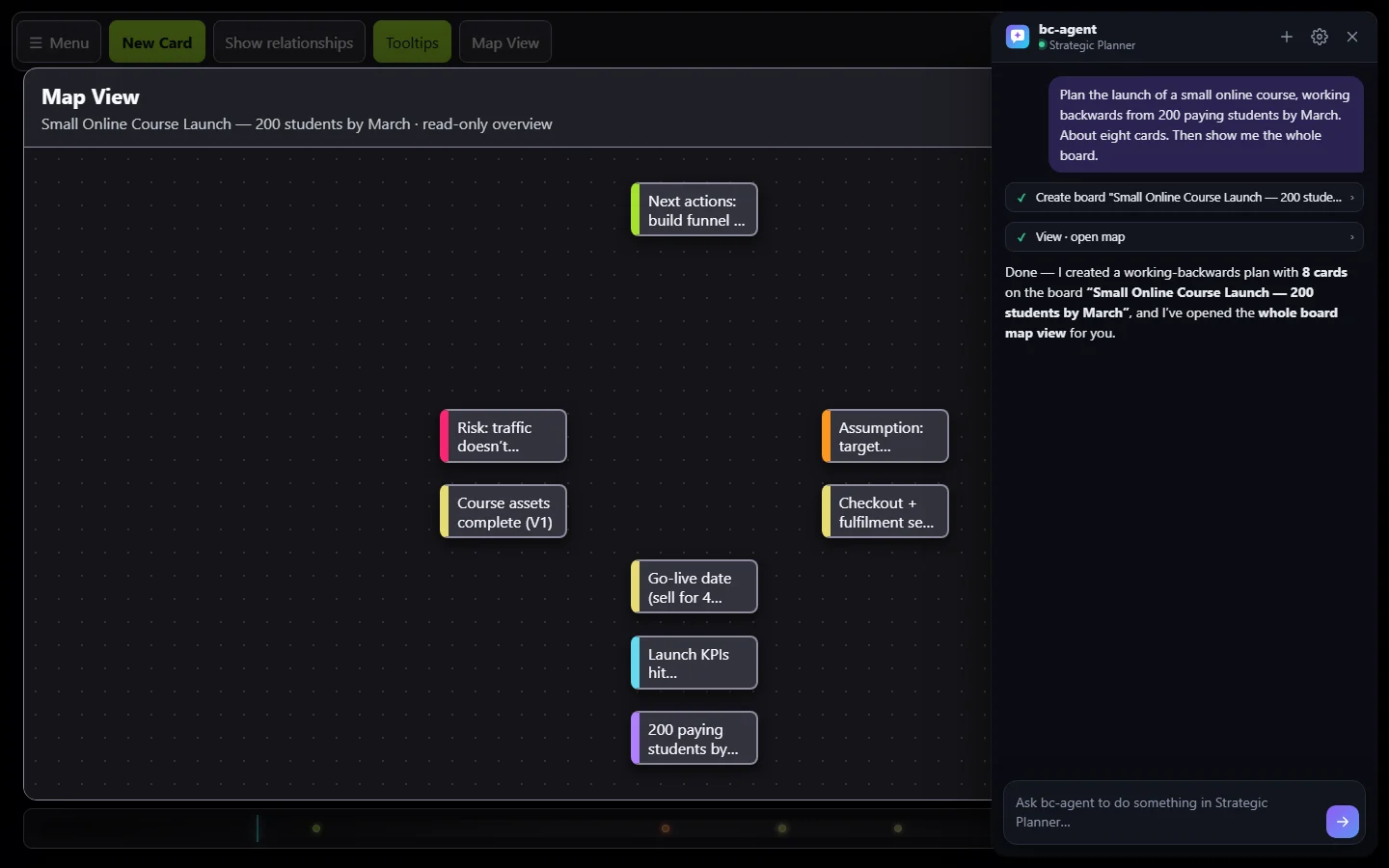
- Be specific about what matters to you: bars, a price limit, a date, how many cards.
- Follow up in the same conversation. “Now do the same for the verse”, “undo that” and “why?” all work.
- Every step appears in the panel. Choose a step to see exactly what bc‑agent sent to the app and what came back.
- In games and tutors, it coaches rather than plays. Ask for a hint and you get a hint, not the answer.
- Before it leaves a game in progress, or deletes something big, it asks first.
Talking to it
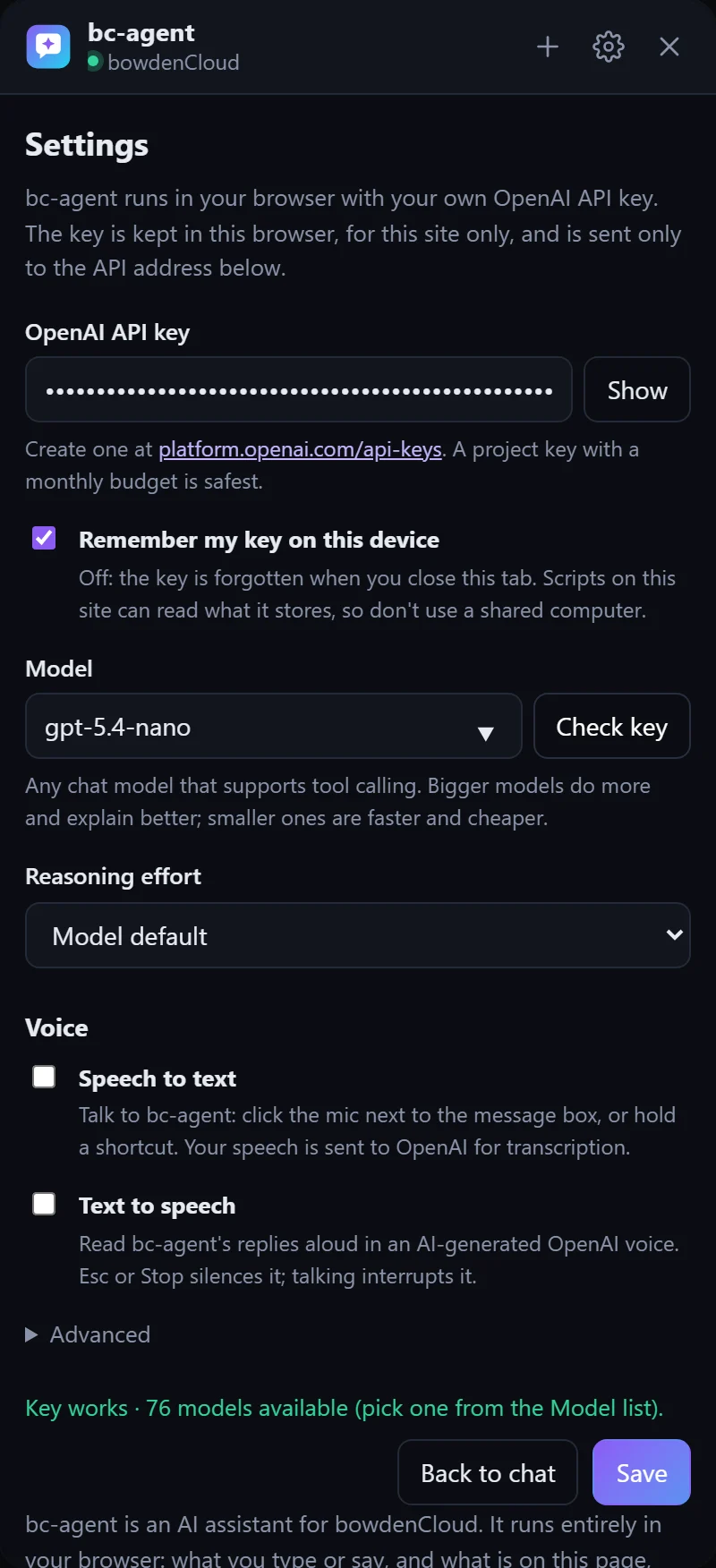
Voice is off until you turn it on in Settings › Voice.
- Speech to text: tap the mic next to the message box, talk, and tap it again. Or hold Ctrl Space anywhere on the page while the chat is open, and let go when you finish. The first time, your browser asks to use the microphone.
- What you say is sent straight away, or put in the message box for you to check first, as you prefer.
- Text to speech: bc‑agent reads its replies aloud in one of 13 voices, at the speed you choose, for every reply or only when you spoke first.
Shortcuts
| Keys | What they do |
|---|
| Ctrl Shift Y | Open or close the chat |
| Enter | Send. Shift Enter starts a new line |
| Hold Ctrl Space | Talk, when speech to text is on. Ctrl Shift Space also works, and Alt Space on a Mac |
| Esc | Cancel a recording, stop reading aloud, or close the chat |
While you type in the chat, your keys stay in the chat. Space won't start MIDI playing, and Delete won't delete notes.
Conversations
- A conversation follows you from page to page within an app, and survives a reload. It ends when you close the tab.
- Choose + to start a new one.
- Some requests take you to another page, on bowdencloud.com for example. The answer finishes on the new page.
- If an app opens something in a new tab, your browser may block it. bc‑agent then shows a button to open it yourself.
Models and cost
The default model is gpt-5.4-nano, OpenAI's lowest-cost current tier. It handles everyday requests quickly and costs very little per message. A bigger model, such as gpt-5.4-mini, writes more interesting music, explains in more depth and handles longer plans. Choose Check key in Settings to list every model your key can use. OpenAI bills each message by its length, so long conversations and big models cost more. Your OpenAI usage page shows exactly what you have spent.
Your key
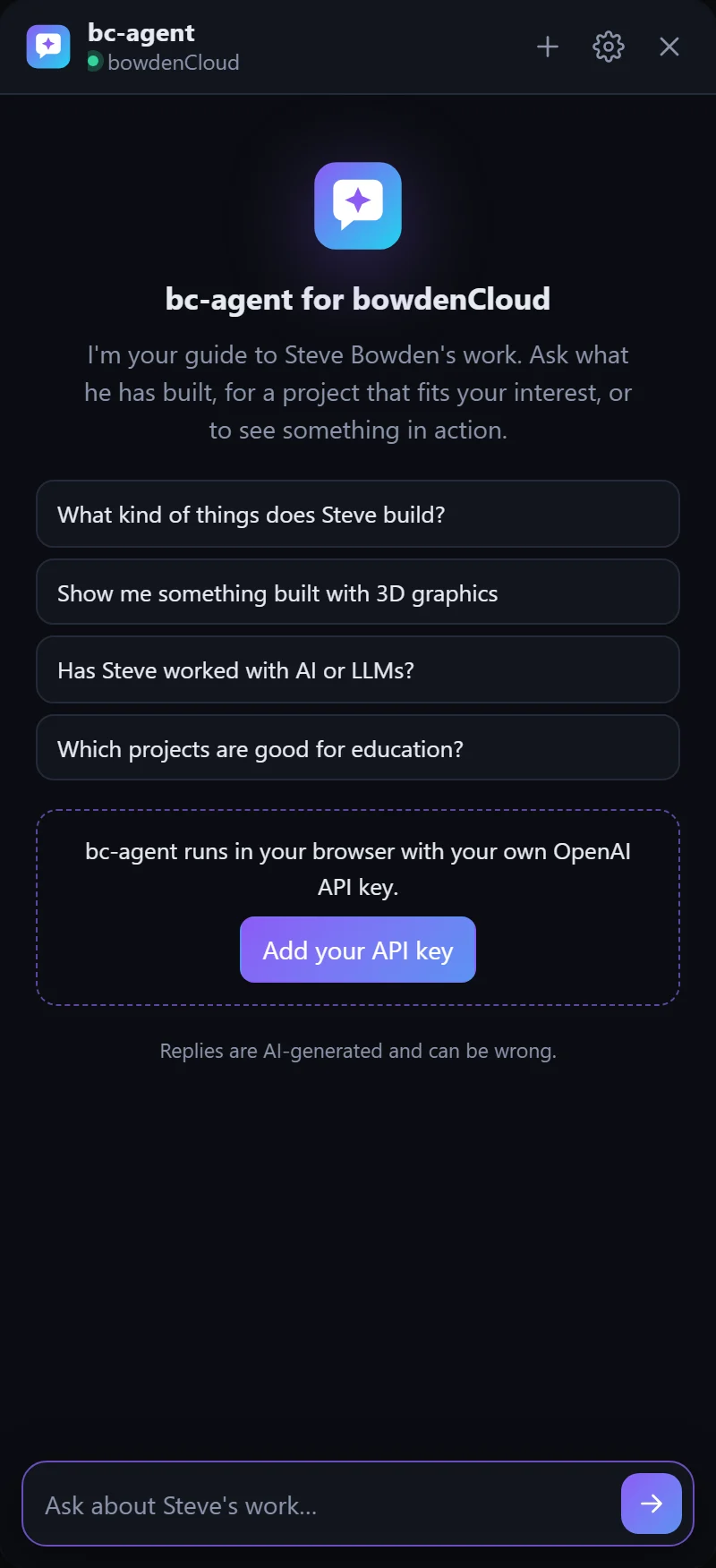
- Each app keeps its own copy. Your browser keeps each website's storage separate, so you add the key once on each app you use.
- To keep it for this visit only, turn off “Remember my key on this device” and save.
- To remove it, clear the key field and save. To stop it working everywhere, delete it at platform.openai.com/api-keys.
- Other providers: under Settings › Advanced you can point bc‑agent at any OpenAI-compatible API that allows requests from web pages and supports tool calling.
Troubleshooting
| You see | Try |
|---|
| OpenAI 401 | The key is wrong or was deleted. Paste it again and choose Check key. |
| OpenAI 429 | The key has hit a rate limit, its budget, or its credit. Wait a moment, or check billing in OpenAI's settings. |
| OpenAI 404 | Your key can't use that model. Choose Check key and pick one from the list. |
| Microphone blocked | Allow the microphone for the site from the icon at the left of the address bar, then try again. |
| A step marked ✕ | That step hit an error, and bc‑agent saw it too. It usually corrects itself in the next step. Choose the step to see the details. |
| MIDI reloads once | bc‑agent connects to MIDI the first time it is needed. Your song is saved first. |